2 Task One - Debugging
2.1 Objective: Practice interpreting and fixing common R errors
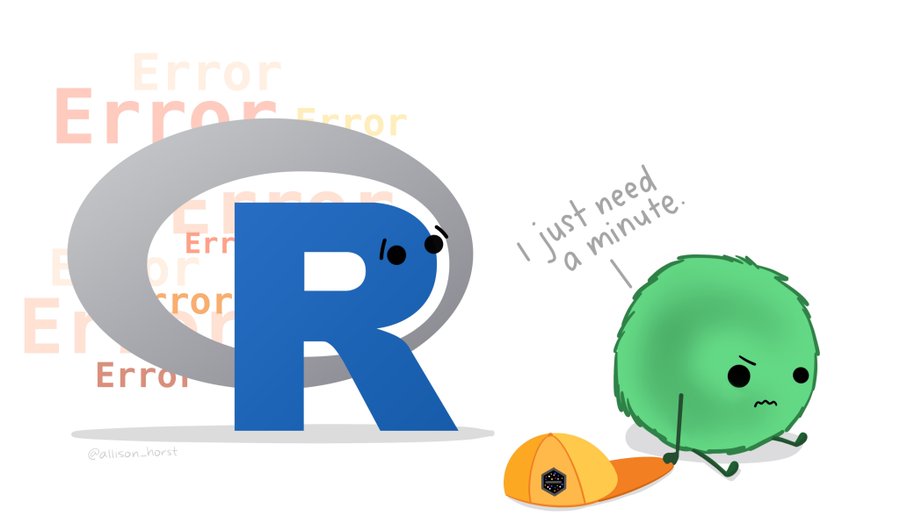
It is common when learning a programming language to be tripped up by syntax issues and confusing error messages. This week’s task is to start learning to check, read and understand errors!
Try to read and understand each error message - discuss it with the person sitting next to you, or an instructor
Fix the error and document it
First note the intent and the error message
Read the error carefully
try typing the error message into Google
Use ?? in front of functions -
??read_csvto search for documentation in RStudio
- It is tempting to dump code into AI and ask for a fix - but please hold off it will benefit you to try and understand it for yourself
2.1.1 Step 1: Download the Scripts
Access Blackboard → Week 1 → “Debugging Scripts”
Download the R scripts to your local machine.
2.1.2 Step 2: Upload to Posit Cloud
Open your script in the penguins project.
Upload the downloaded scripts into the project.
Think organised project!
2.1.3 Step 3: Attempt to Run & Fix Each Analysis
Open each script.
Run code as-is to trigger errors.
Record the exact error message in your notes.
Attempt to fix the issue independently.
Discuss errors with the person next to you
2.1.4 Step 4: AI-Assisted Reflection
After your own attempt:
Paste the error message only into CoPilot or another approved AI tool.
Ask questions like:
“What does this R error mean?”
“How can I fix it?”
Compare AI suggestions with your own solution.
Focus on understanding the explanation, not just copying fixes.
Refer to the University Responsible AI guidelines for safe use.
2.1.5 Step 5: Reflection Prompts
For each exercise, write 2–3 sentences:
Did the AI explanation help you understand the error? How?
How would you explain this error to a peer?
If using AI, how did you structure your prompt to get the most helpful guidance without giving away your work?
2.1.6 Step 6: Submission / Discussion
Submit your fixed scripts to Blackboard.
Contribute one reflection sentence to the shared AI charter Padlet:
“One way AI helped me learn was…”
“One thing to watch out for when using AI is…”